

hah-MAH-tah
Clear a huge Gmail inbox one group at a time, toward Inbox Zero.
Group by sender, subject, or time. Mark read, mark unread, archive, or delete, and undo if a sweep goes too far.
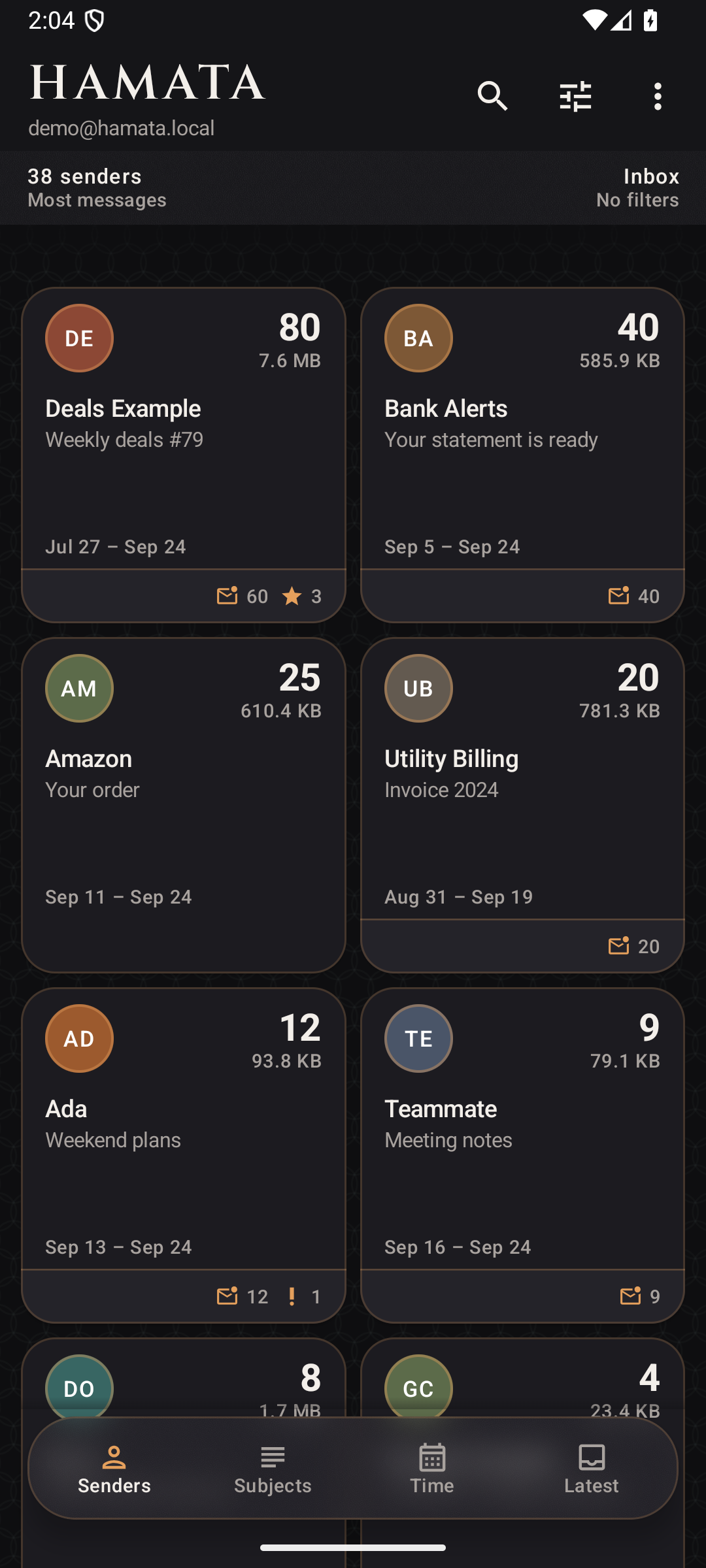
Archive a whole sender
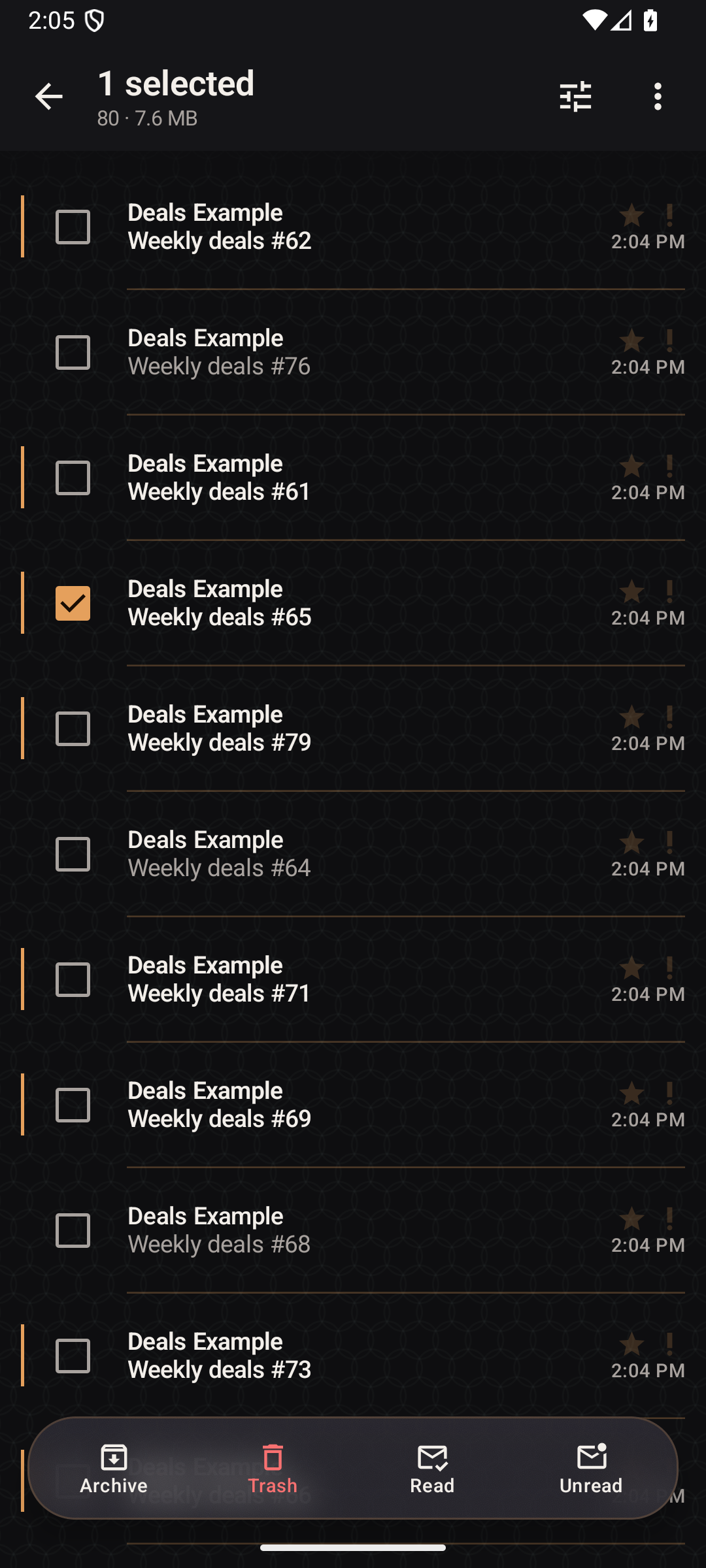
Each sender is one group. Open it, then archive, delete, or mark the messages read or unread without opening each one.
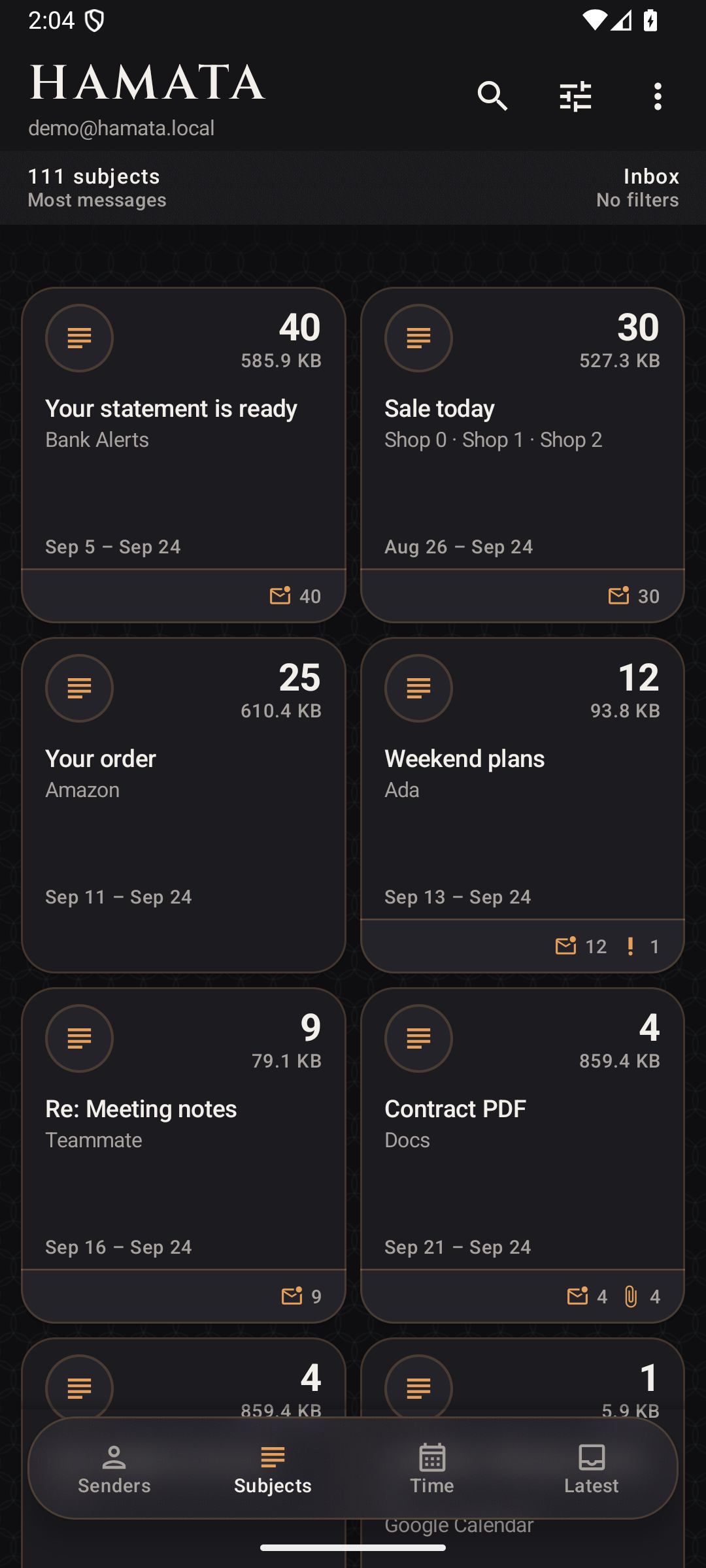
Group Gmail by subject
The same subject line shares a group, even when the mail comes from different people. Clear that subject in one pass.
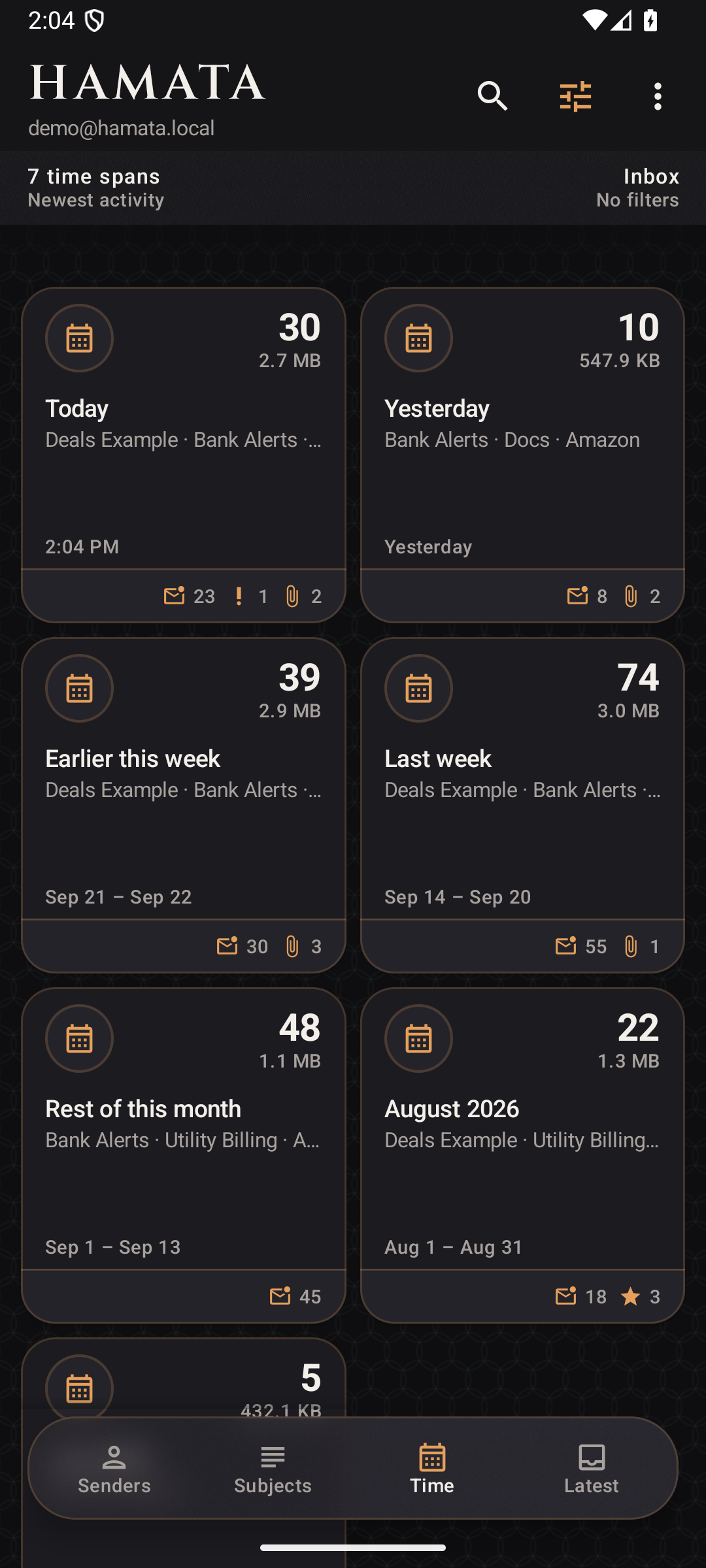
Sweep mail by time
Time sorts mail into today, this week, and older months. Sweep one stretch when you are ready.
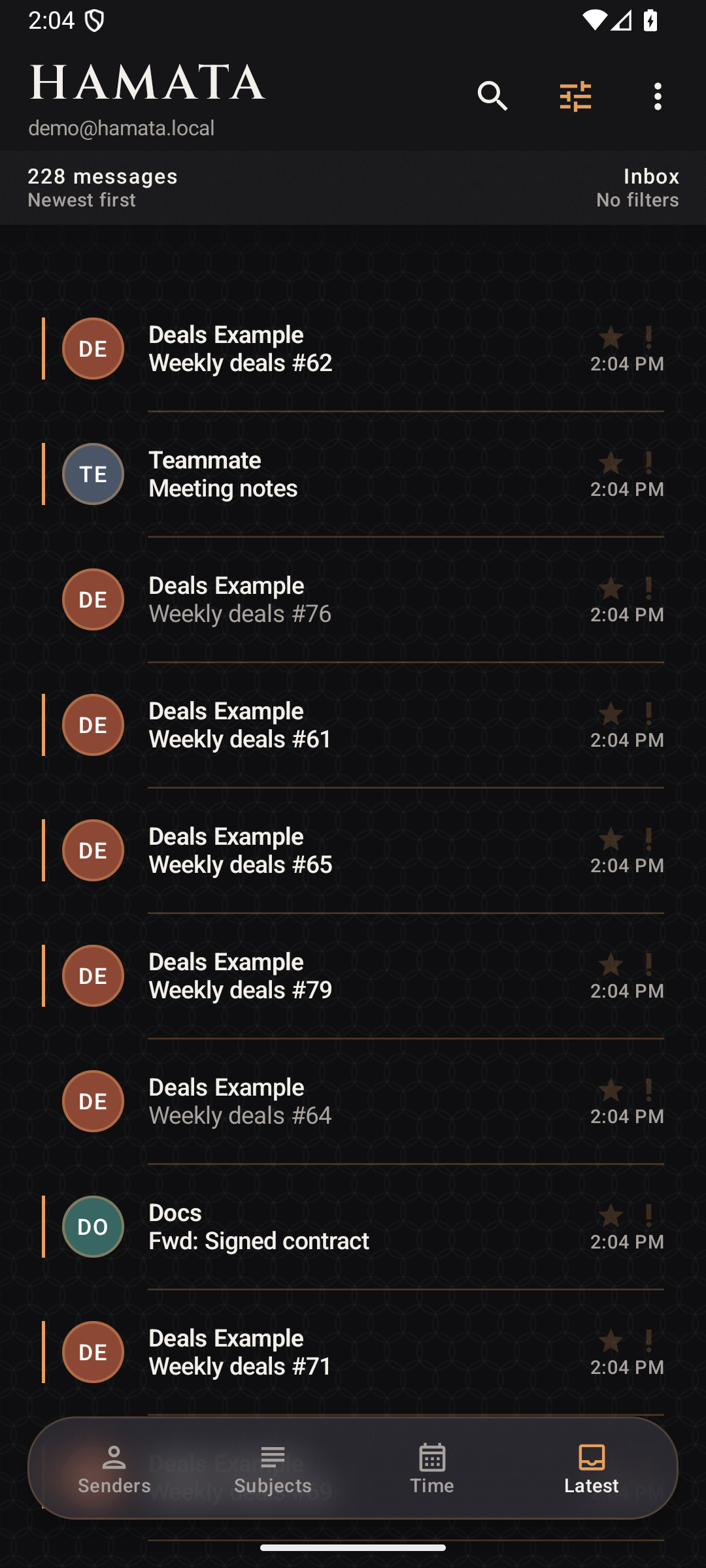
See the newest mail first
Latest is a newest-first list for the message that just landed. The groups are still there when you go back.
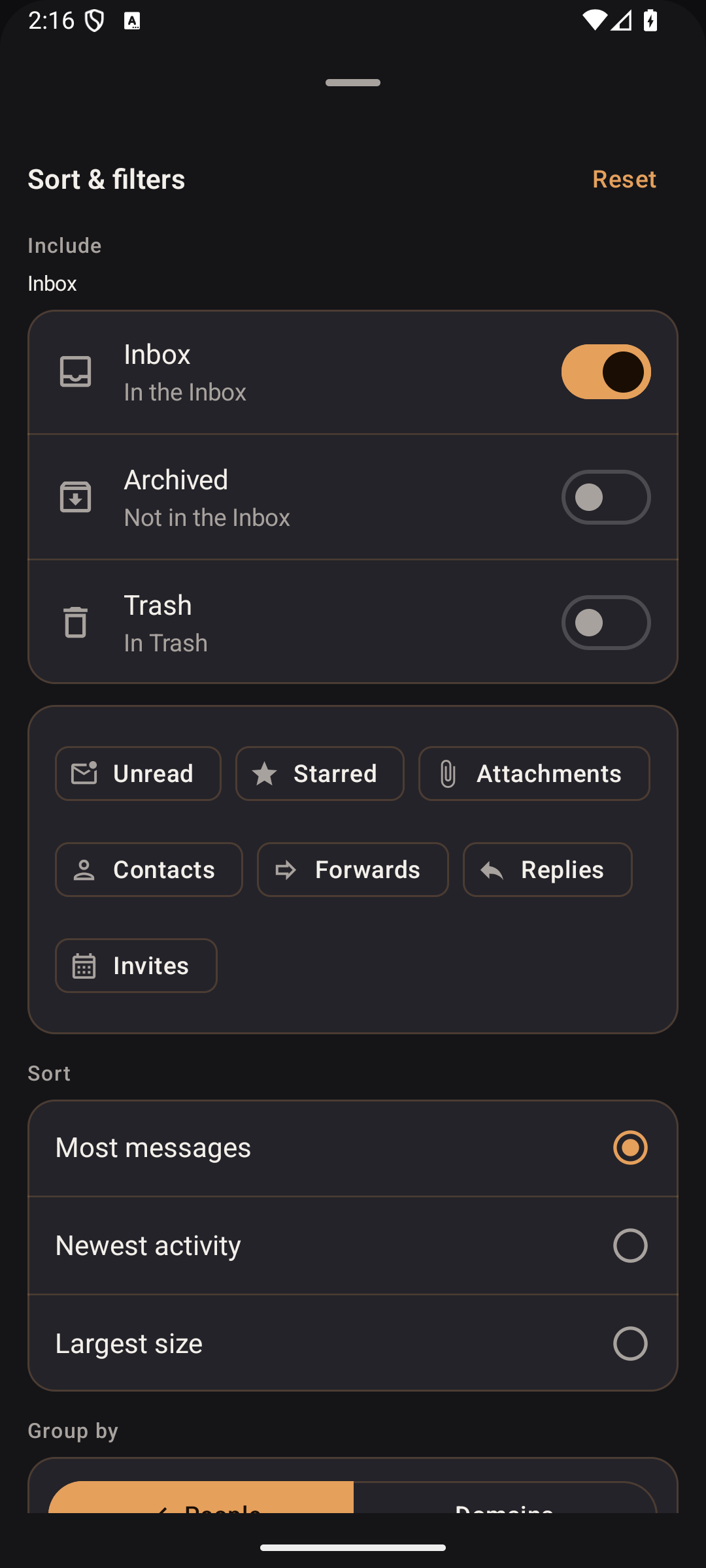
Filter unread mail before you sweep
Unread, starred, and attachments stay selected while you switch sender, subject, time, and latest.
Headers stay on the phone
Message headers stay on the phone. Hamata does not run a mail server that stores your inbox. You grant Gmail access. Your Google password never enters the app.
Hamata does not compose or send, and it does not upload the mailbox to a cleaner.
Free to start. One Gmail account.
Read the privacy page, support, and how to delete the on-device index.
While Google verification is open, the registered legal pages remain at intelligence-simplified.github.io/hamata-legal.